A vision board wallpaper works when you cut the board down to what a screen can show: four to six tiles, one line of words and the top third left free for the clock, whether the screen is a phone, a tablet or a laptop.
You made a board you love, set it as your wallpaper, woke the phone, and the clock landed on your favourite line.
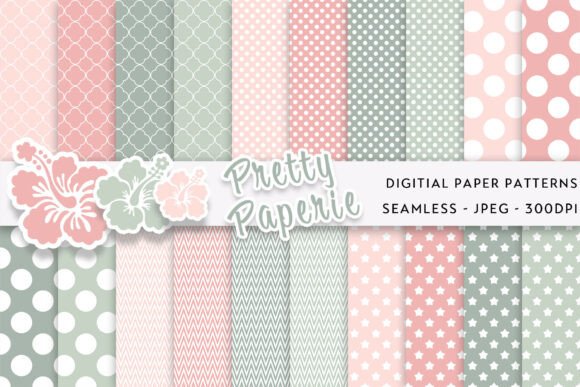
A row of icons sits across the faces, and you cannot read it. These eleven vision board wallpaper ideas fit the board to a screen, so you can pick one and build it today, in the time it takes to drink a coffee, then test it by locking the screen once. For a base to build on, a coquette bow striped bundle keeps the top of the screen clear.
Quick answer: cut the board to what the screen can show.
- Tiles: four to six on a phone, never twenty.
- Words: below the clock and above the bottom buttons.
- Faces: out of the top third, where the clock and widgets sit.
- Check: lock the phone and look at it, not at the editor.
What is vision board wallpaper?
Vision board wallpaper is a vision board cut down to fit a screen: a few pictures and one line of words, set as the lock screen or home background so you see your goals each time you pick up the device. A paper board holds twenty pictures because you stand a metre away. A phone is held at forty centimetres and shows a space the size of a playing card.
A wallpaper is never seen alone, so your design must leave room for the clock, the notifications and the icons.
Which vision board wallpaper idea fits your screen?
Find your device and your look in the table and open the idea next to it.
| Idea | Best for | Device / Board type / Where it shows | Avoid if |
|---|---|---|---|
| Four-tile lock screen | one month’s goals | Phone · lock screen | a yearly wall board |
| Pastel stripe | a light feminine board | Phone · lock screen | strong photos |
| Dark leather | a light text line | Phone · lock screen | dark photos |
| Monthly texture swap | a repeating routine | Phone and laptop | a one-off board |
| iPhone safe zone | newer iPhones | Phone · iPhone | a crowded top |
| Android tall screen | 1080 by 2400 screens | Phone · Android | a wide crop |
| Laptop and MacBook | a work screen | Laptop · desktop | a phone-shaped board |
| One line only | a single intention | Phone · lock screen | a board of goals |
| Palette only | a colour mood | Phone · home screen | faces and goals |
| Home-screen pattern | rows of apps | Phone · home screen | a busy photo |
| Canva in five minutes | a first board | Phone and laptop | a perfect design |
How do you choose a vision board wallpaper?
Three checks decide whether a wallpaper gets read or just sits there. A free image gives you one picture at one size, and that is where it fails.
- Density and order: four to six tiles with one main picture. Twenty tiles become twenty smudges at phone size.
- What it is built on: a calm base made for layering, such as a stripe or a texture. A busy photo hides the line.
- How you refresh it: rebuild on the first of the month. A wallpaper that never changes turns into part of the screen.
1. Four-tile lock screen for one month

A vision board lock screen shows four to six tiles and one line of words, and nothing else. The lock screen is where you look for a second, many times a day.
Pick one to three goals for the month, give each a picture and a number or a date, and add one line that joins them.
I rebuild mine on the first of the month, and it takes ten minutes. You will notice it within a second of waking the phone. Ideas for goals are in vision board goals.
- Best for: a person who unlocks the phone fifty times a day
- Best for: a monthly goal reset
- Avoid for: twenty pictures, which become twenty smudges
You’ll need (for the lock screen):
- Four to six photos of your own
- One line of words for the middle band
- A phone template sized to your screen
2. Soft pastel stripe wallpaper
A soft stripe background keeps the top of the screen clear, so the clock has nowhere to hide your words. Pale pink or cream stripes with a small bow element read as calm, not busy.
Put four tiles on the stripe and leave the top third empty. A quiet base leaves the line visible.
I pick a soft stripe before a busy photo, every time. You can read it from an arm’s length. More soft looks are in mood board inspiration.
- Best for: a clean girl or beach look board
- Best for: a gentle board for self-care goals
- Avoid for: a dark, high-contrast photo set
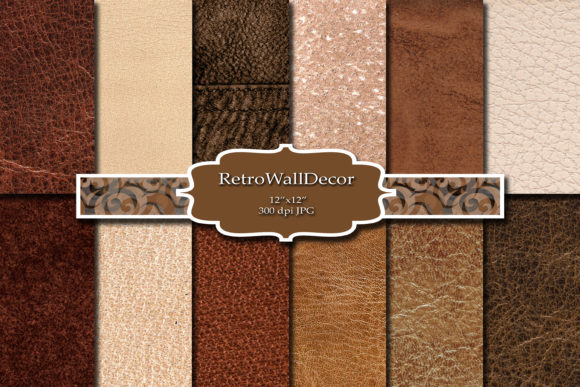
3. Dark leather lock screen
A dark brown leather background sits behind icons without a fight, so a light line stays clear on it. The leather grain adds depth without adding detail.
Choose a square paper and crop to a tall phone shape. Square 3600 by 3600 pixels crops to any screen size.
I set one file for the phone and crop the same file for the laptop. If you keep the light line, you can read it at once.
- Best for: a bold motivational line
- Best for: a board for a work or study goal
- Avoid for: pastel or airy palettes
4. Monthly swap on a texture base
A monthly swap keeps one calm texture and changes only the tiles. Each month takes ten minutes, because the base never moves.
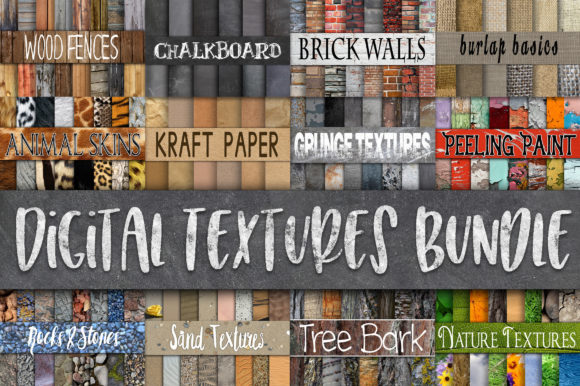
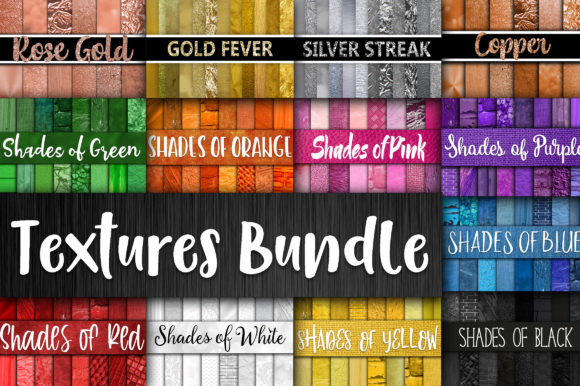
A texture bundle gives you a quiet set for the desktop and a stronger one for the phone. Twelve sets means a new look every month for a year.
I swap the tiles and keep the base, and the board never feels old. You change four tiles, not the whole file. For a money goal tile, see money and savings vision board.
- Best for: a person who likes a fresh board each month
- Best for: a board for a phone and a laptop
- Avoid for: a base you will change every week
5. iPhone safe-zone board
A vision board iPhone wallpaper starts with the size. Newer iPhones use screens around 1179 by 2556 pixels, and the biggest ones 1290 by 2796.
Keep everything important in a safe box in the middle, with about a tenth of the width free on each side. Words go under the clock and widgets, and faces go below them.
I export as PNG at the screen size or larger, because a small file stretched to fit gets soft. You can test it in ten seconds.
- Best for: an iPhone user who wants the words readable
- Best for: a board with a photo of a person
- Avoid for: a wide picture that taller screens will crop
You’ll need (for the iPhone board):
- A file around 1179 by 2556 pixels
- Words under the clock and widget block
- A PNG export at screen size or larger
6. Android tall-screen board
Many Android phones sit near 1080 by 2400 pixels, and Canva’s phone wallpaper template is 1080 by 1920. That fits most screens if you leave room around the edges.
Taller screens crop the sides of a wider picture, so keep the tiles in the middle. Check how it looks after the launcher adds its dock. You can check the crop in the preview. Lines for the board are listed in vision board quotes.
- Best for: a person using a taller phone
- Best for: a board built in Canva
- Avoid for: a picture that spans the full width
You’ll need (for the Android board):
- A canvas near 1080 by 2400 pixels
- A margin around the edge
- A look at the board after the dock appears
7. Laptop and MacBook desktop board
A laptop screen is wide, so the layout is the reverse of a phone. A MacBook vision board has the menu bar across the top and the dock along the bottom, so keep both strips clear.
Common sizes are 1920 by 1080 for a standard screen and 2560 by 1664 or more for a MacBook Air and Pro. Export for the biggest screen you own.
I keep the tiles in the middle third and the line below them. You can lock the screen and look. The basic board is in vision board.
- Best for: a person who works at a laptop all day
- Best for: a clean desktop with few icons
- Avoid for: a tall phone layout stretched wide
You’ll need (for the desktop board):
- A wide canvas, 1920 by 1080 or larger
- The menu bar and dock strips left clear
- Tiles in the middle third
8. One-line words wallpaper
A one-line wallpaper skips the tiles and keeps a single sentence in the middle band. It is the quietest way to see a goal each time you pick up the phone.
Write the line in the present tense and about something you do, as in the manifestation wallpaper guide. You will read it faster than a board.
- Best for: a person who finds tiles too busy
- Best for: an intention for one month
- Avoid for: a board with several goals
You’ll need (for the one-line wallpaper):
- One short present-tense sentence
- A plain colour or soft pattern base
- A font you can read in a second
9. Palette-only wallpaper
When people on mood board forums say wallpaper, they usually mean a colour. A palette sits behind the icons without a fight, while a full board fights them and loses.
A vision board wallpaper aesthetic often means a palette plus a few tiles on top. Read 2026 vision board aesthetic for colour sets. You can build one in minutes.
- Best for: a clean girl or cali girl beach look
- Best for: a calm home screen
- Avoid for: a goal board that needs pictures
You’ll need (for the palette wallpaper):
- Three to five colours that match
- A soft gradient or flat colour
- No more than two tiles on top
10. Quiet home-screen pattern
The home screen is where you look through to find an app, so it needs a quiet pattern or a plain colour. The board belongs on the lock screen, not under a grid of icons.
Choose a soft pattern with gaps between the icon rows, and keep your own board for the lock screen. You decide how many icons sit on top. A paper version is covered in the basic vision board guide.
- Best for: a phone full of apps
- Best for: a two-screen setup with a lock-screen board
- Avoid for: tiles under icon rows
You’ll need (for the home screen):
- A soft pattern or plain colour
- A gap between icon rows
- The board kept for the lock screen
11. Five-minute Canva wallpaper
Canva is the quickest way to get a wallpaper that fits your screen, because it has phone and laptop templates already sized. Choose the base first, then add four to six tiles.
Use your own photos where you can. A photo of you on a trail you love works harder than stock.
Download as PNG, set it, lock the phone and check where the clock lands. I always do that lock test before I call a board done. You will have it done before the kettle boils.
- Best for: a beginner with no design tool
- Best for: a board you want in five minutes
- Avoid for: a print-quality poster
You’ll need (for the Canva wallpaper):
- A Phone Wallpaper template in Canva
- A base: colour, pattern or texture
- A PNG or JPG download
If it goes wrong
- The clock covers the words. Move the line to the middle band and the faces below the clock.
- The board looks childish. Cut it to four tiles, use one frame shape and drop stickers and bright labels.
- It feels stale. Rebuild it on the first of the month with new tiles on the same base.
- The file looks soft. Export at the screen size or larger, not from a small file stretched to fit.
Key takeaways
- Fewer pictures win on a small screen, so trim until every one is recognisable at a glance.
- Where the clock, widgets and icons land decides where a line of words can live.
- Put faces in the middle and the sentence just beneath the time.
- Goals belong on the lock screen; the home screen should stay calm and plain.
- Rebuilding monthly on one base keeps the board honest without starting over
When the free version isn’t enough
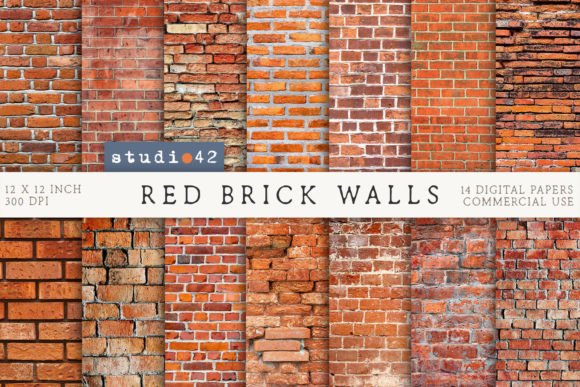
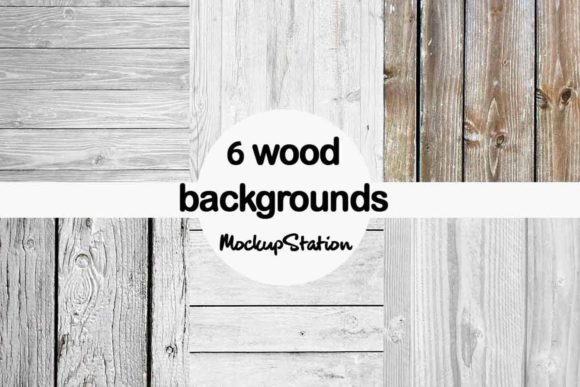
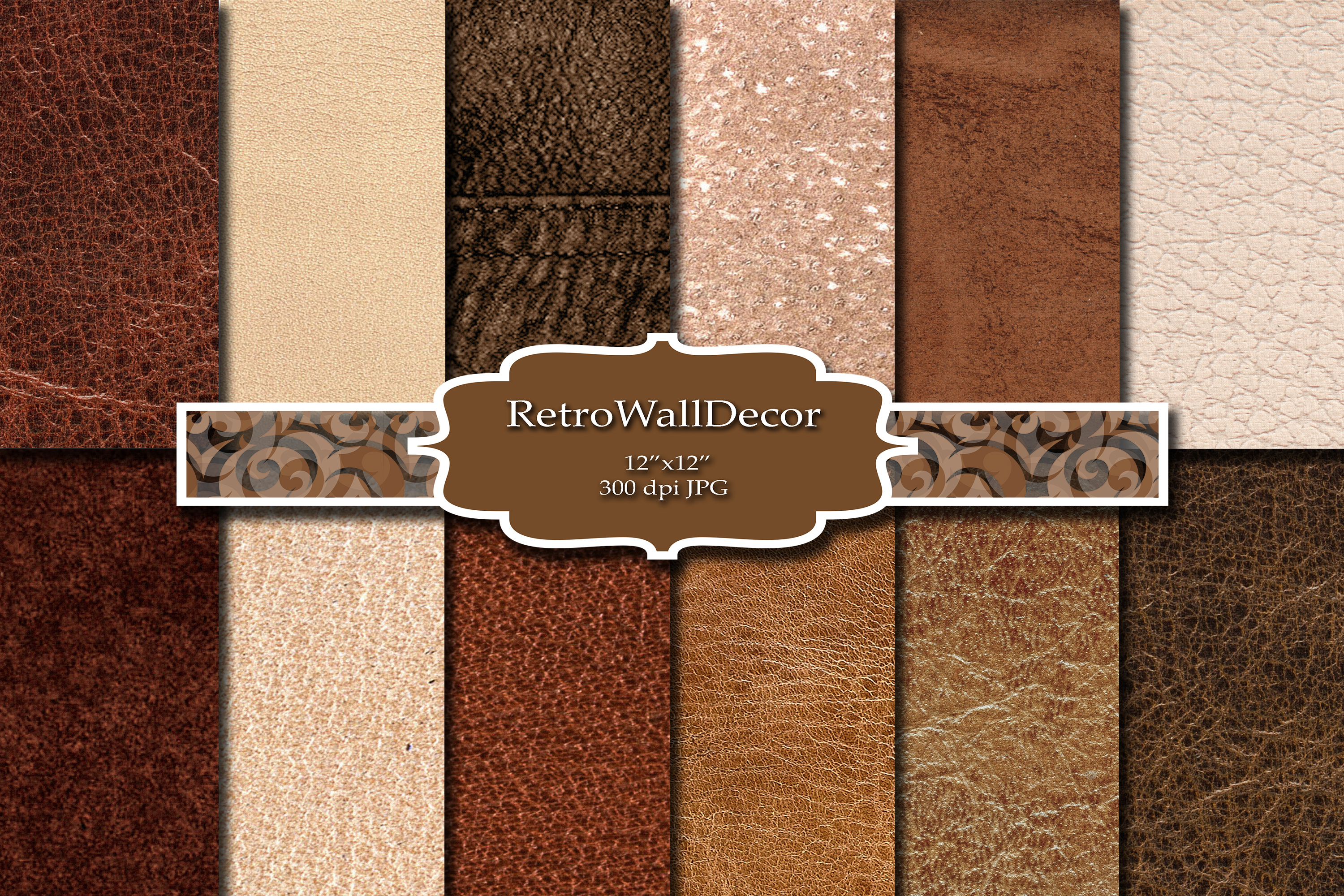
Free libraries give you one image at one size, with no room planned for your words. A pack gives you a base made for layering, so one palette serves a phone and a laptop. Digital Textures Bundle with 180 papers has twelve texture sets, and a leather background pack crops to a tall phone screen. Both are backgrounds, not finished wallpapers, and that is the point: you build the board on top.
Common questions
How to make a vision board wallpaper for Mac, MacBook or laptop?
Start from a wide canvas, 1920 by 1080 pixels or larger, and keep the menu bar and dock strips clear. Put the tiles in the middle third. The basic vision board guide covers the picture choices.
How to make a Pinterest vision board wallpaper or a dream board wallpaper?
Save a handful of pins (the manifestation vision board guide shows how) that match one goal, then pick four to six and cut the rest. A dream board wallpaper is the same idea with a softer palette; mood board inspiration lists looks to copy.
Is there a digital vision board for students?
Yes. A digital board suits students well because it lives on the phone they already check. Use one study goal, one health goal and one line, and rebuild it each term.
What does a good vision board look like and what is included?
A good one looks calm: four to six tiles, one line of words, a quiet base. Each tile carries a goal with a number or a date. See vision board goals for what to pick.
Where do I get the best vision board images free?
Your own photos come first, because they carry meaning that stock cannot. For a base to layer on, a leather background pack gives you twelve dark papers at 3600 by 3600 pixels.
How to make a vision board wallpaper for iPhone or Android?
Use a file around 1179 by 2556 pixels for iPhone or 1080 by 2400 for Android, with words under the clock. Open a Canva phone template, build, download and check it on the lock screen. Lines are listed in vision board quotes.
What is a vision board and how does it work on a phone?
It works by repetition. You glance at the phone dozens of times a day, so four tiles and a line keep your goals in sight. For a template to start from, see moodboard template.